iOS drawing app
Drawing Practice
A free iPhone and iPad app that gives artists structured drawing drills with immediate feedback on line control and shape accuracy.
At a glance
Project Origins
Drawing Practice started with a very specific frustration: drawing a glass is harder than it looks, and I wanted to get better at the small control skills that make simple shapes feel clean.
It was also a reason to buy an iPad Pro and Apple Pencil and explore what those tools could do as a developer. The result became a practice app built around short drills, immediate feedback, and the kind of repetition that helps drawing mechanics improve.
Technical Highlights
- Uses PencilKit for low-latency Apple Pencil and touch drawing input.
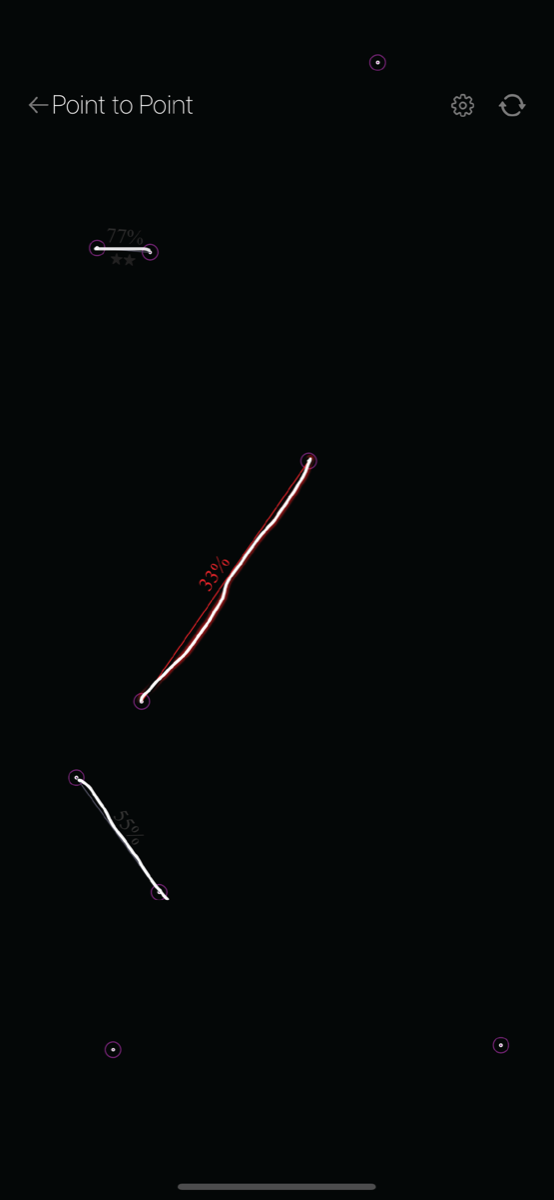
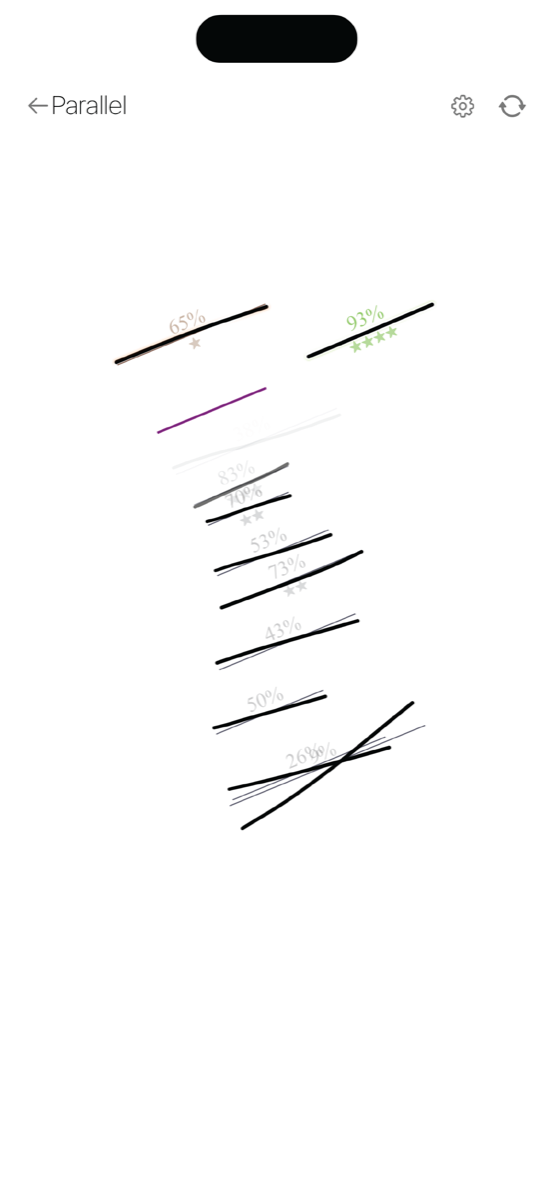
- Moves completed strokes into SpriteKit overlays so feedback, ideal forms, stars, and accuracy text can be rendered independently from the active canvas.
- Scores line and shape attempts by comparing drawn strokes against generated ideal geometry.
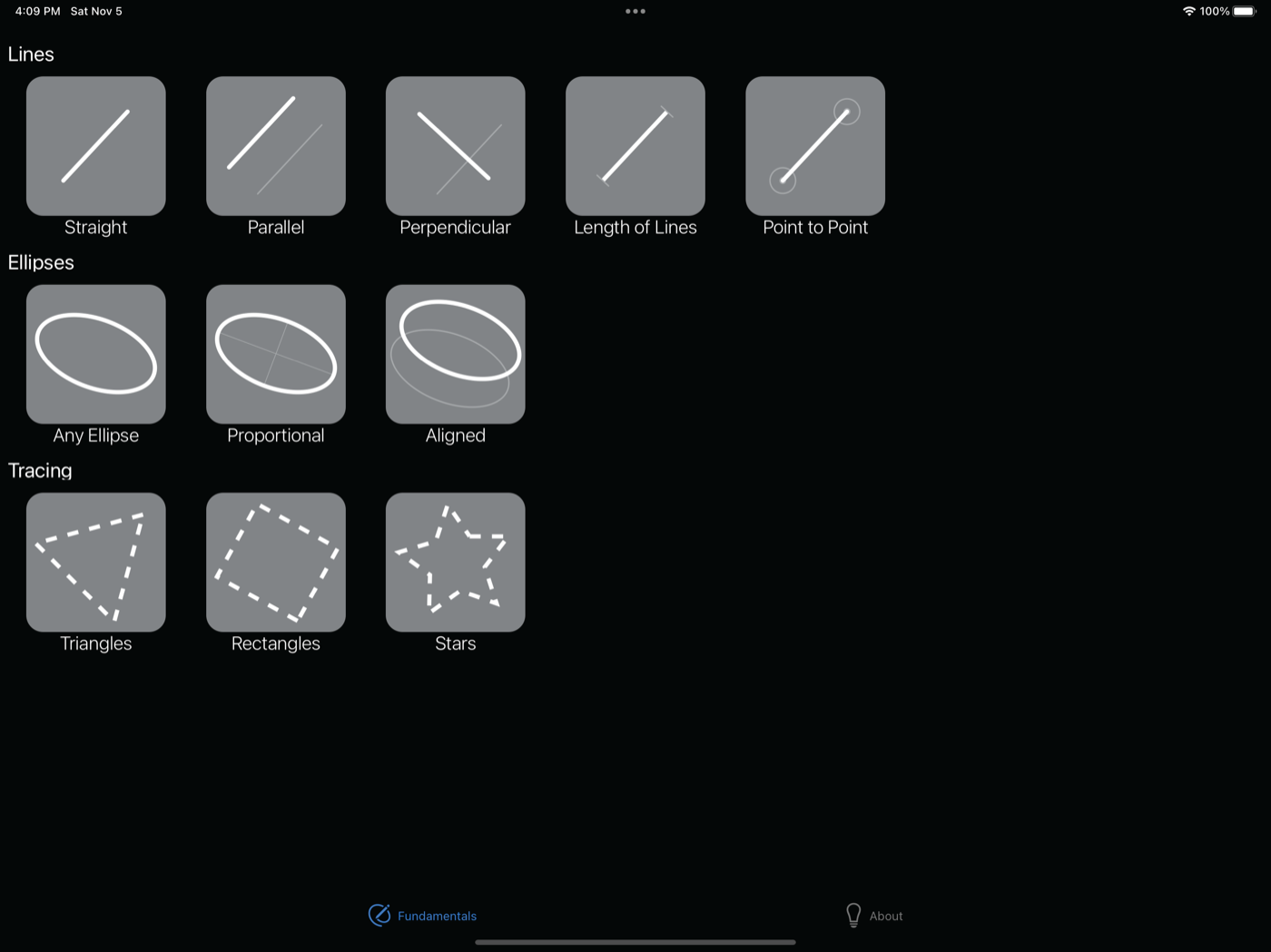
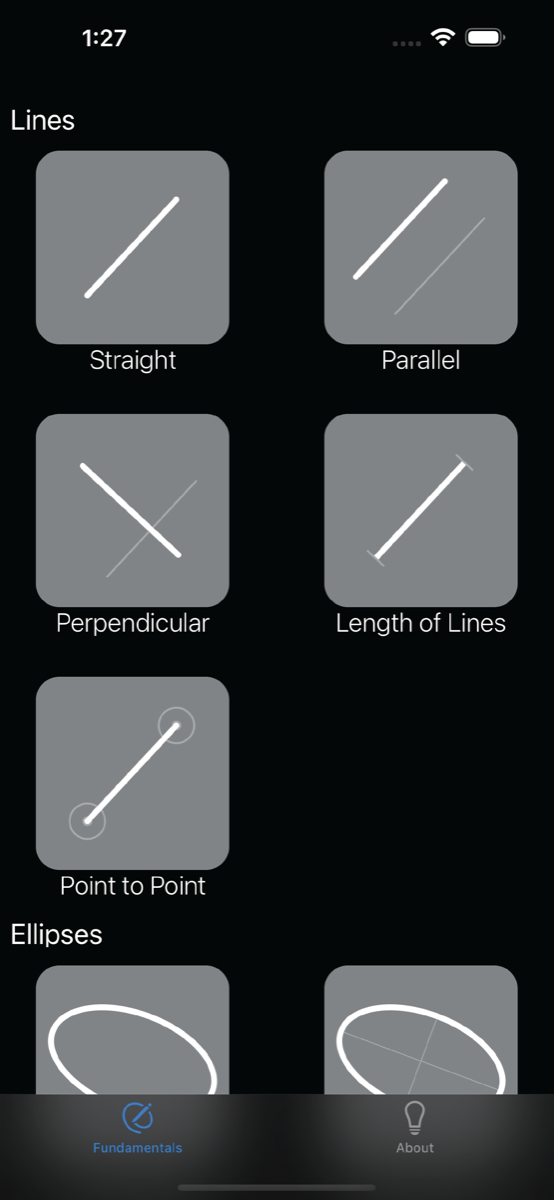
- Includes practice modes for straight, parallel, perpendicular, length, and point-to-point lines, plus ellipses and tracing drills.
- Keeps the experience local and lightweight, with no data collection shown on the App Store listing.
What It Is
Drawing Practice is a free iPhone and iPad app for structured drawing warmups. It is aimed at the small, practical skills that make digital drawing feel better: straight lines, parallel lines, perpendicular lines, line length, point-to-point control, ellipses, and tracing shapes.
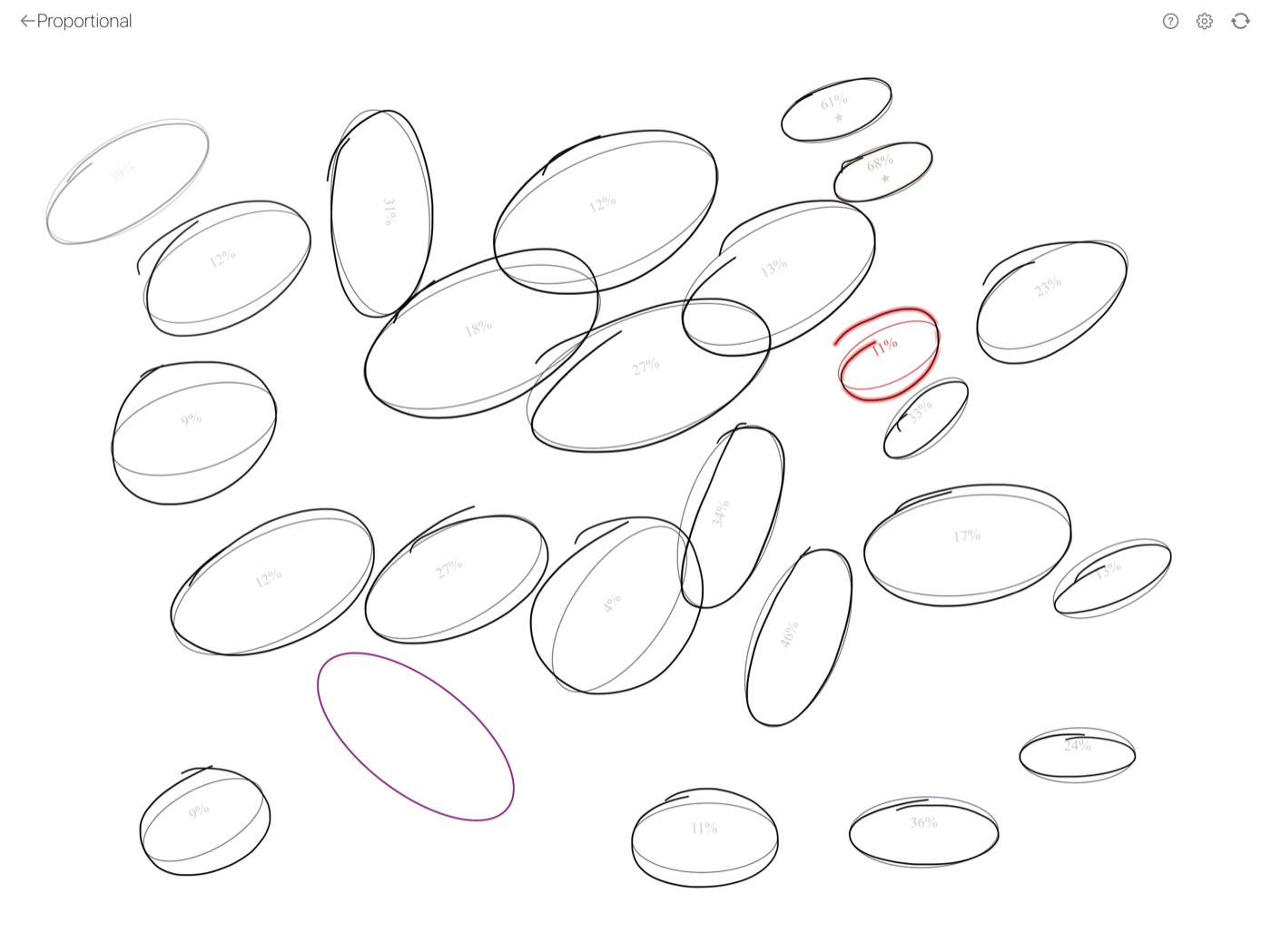
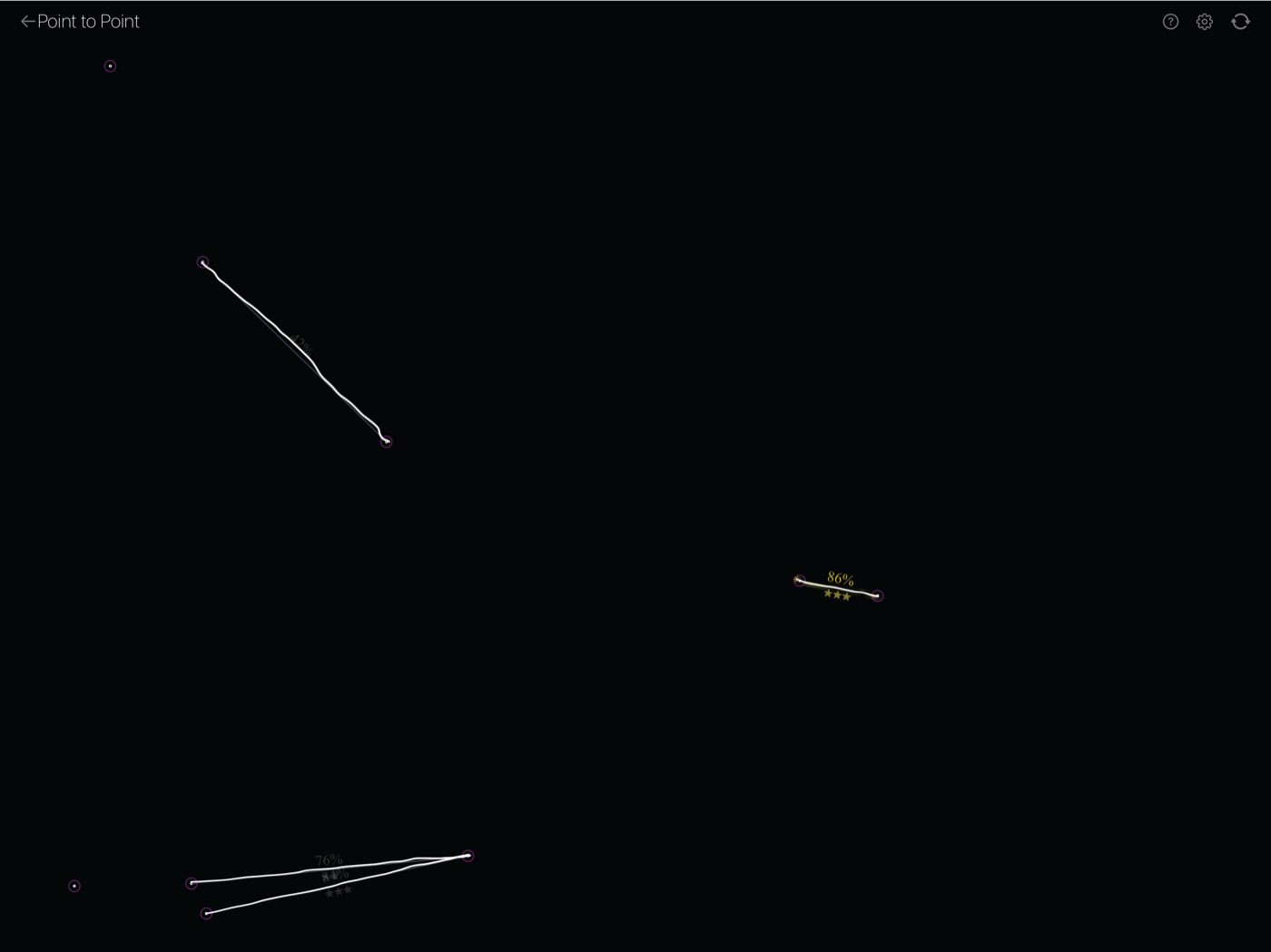
The app supports Apple Pencil, but does not require it. The core product idea is immediate feedback: after a stroke, the app compares the user's drawing against an ideal form and shows what to aim for next.
Why It Is Technically Interesting
Drawing Practice combines PencilKit input with SpriteKit result rendering. User strokes start in a PKCanvasView, then completed attempts are moved into SpriteKit nodes so the app can layer feedback, generated target geometry, stars, and accuracy labels without fighting the active drawing surface.
The practice activities are backed by custom geometry code. The app creates ideal lines, ellipses, and tracing paths, normalizes or rotates input where needed, compares rendered stroke images, and converts that comparison into visible feedback.
Project Images